Digital tools for simpler business processes
Not every digital problem needs a new platform. Sometimes the right solution is a small tool that removes one frustrating step from the working day. We like starting there: with a real task, a clear owner and a result that people can recognise.
Watch the work before changing it
We begin by asking someone to show us the task as it happens today. The spreadsheet, the message, the repeated copying and pasting and the exception that everyone knows about are all part of the picture. A process diagram is useful, but the details of the real workflow tell us where the friction lives.
We look for repeated handovers, information entered twice and decisions made without the right context. These are good places to explore a small improvement. The aim is not to automate everything. It is to remove work that adds little value while keeping the decisions that need a person.
We follow the information as well as the action. Who creates it, who checks it and who needs it next? A tool cannot resolve an unclear responsibility simply by moving data faster. Understanding those relationships helps us decide where software will make the task easier and where the process itself needs attention.
Choose one problem you can finish
A tightly defined first version makes the project easier to judge. Instead of ‘improve operations’, the goal might be ‘prepare a consistent quote from the information we already collect’. Everyone can understand what that means and tell whether the tool helps.
We decide what belongs in this version and what can wait. The tool needs to handle the normal task clearly, explain what happens when information is missing and offer a sensible way to correct a mistake. A simple interface can still be thorough about the things that matter.
Before building, we collect a few examples of the work, including an ordinary case and one with missing or unusual information. Those examples give the team something concrete to discuss. They also reveal whether everyone means the same thing when describing a completed task.
- Start with one task that people repeat every day.
- Make responsibility and handovers clear.
- Work with the systems the team already uses.
- Measure the time and effort the tool saves.
Fit the tools people already use
A new tool has to earn its place in the day. If it creates another login, another inbox and another set of instructions, the benefit needs to justify that effort. We prefer to build around the existing workflow wherever that makes sense.
We also think about who will look after it. Clear ownership, readable settings and a short explanation of how the tool works are part of the deliverable. The person using it should know where the information comes from and what to do when a result needs checking.
A small improvement should not leave the team maintaining two conflicting versions of the same information. We agree which system owns each important detail and make that relationship visible. If a colleague needs to check a record elsewhere, the tool should explain where to look.
Judge it by the task it improves
The first question after launch is practical: does this make the work easier? We listen to the people using it, watch for steps they still repeat by hand and fix the awkward parts before expanding the scope.
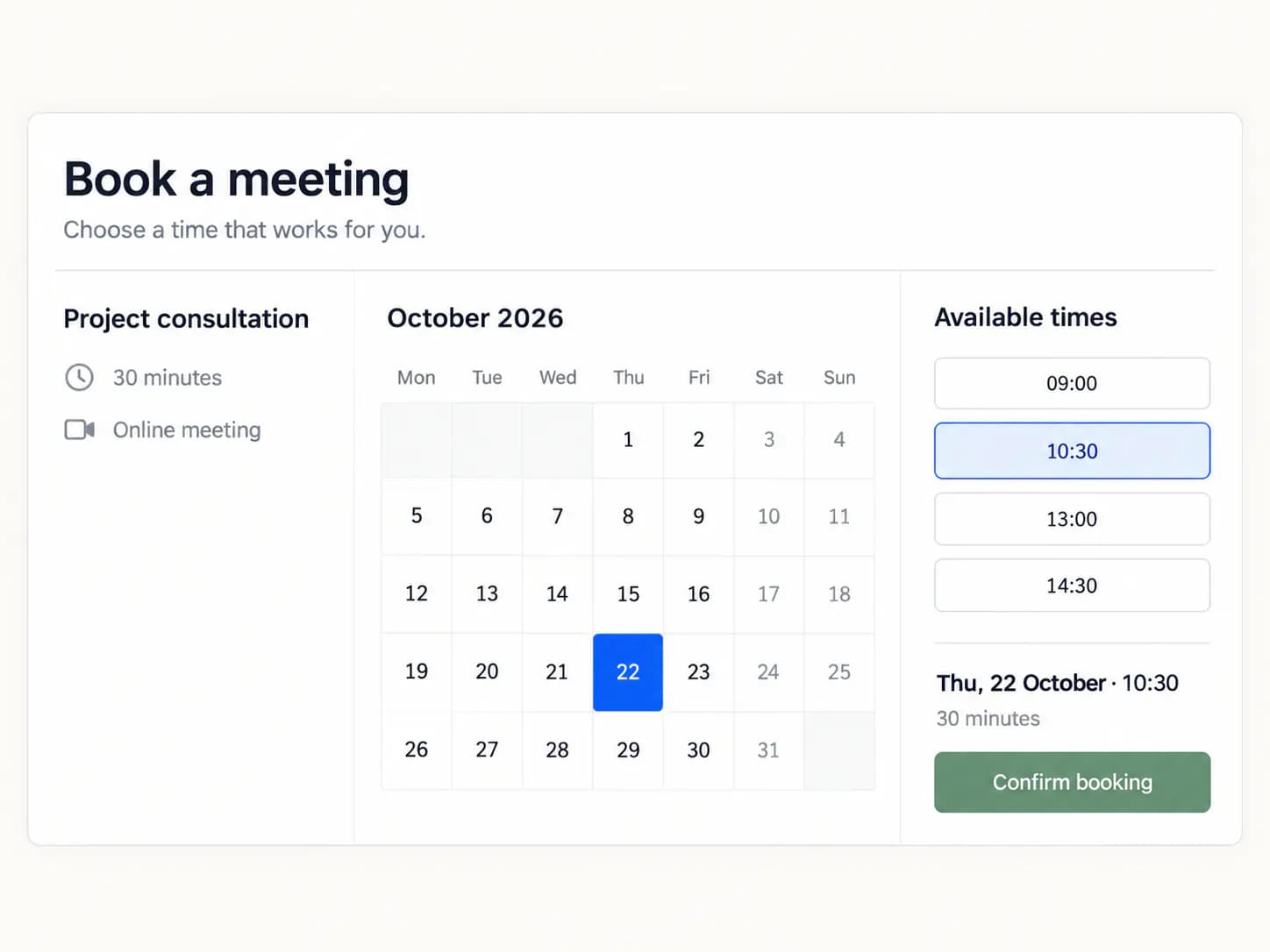
Small tools can become important without becoming complicated. A dependable calculator, a clear booking flow or a useful internal view can make a real difference. The value is in the problem solved, not the size of the software around it.
Time saved is useful, but it is not the only sign of progress. We also look at corrections, repeated questions and the effort needed to check an outcome. A task that feels more dependable can help the team even when the number of steps remains similar.